Aviation Metar Light (WiFi Connected)

$149.00

+ Free Shipping

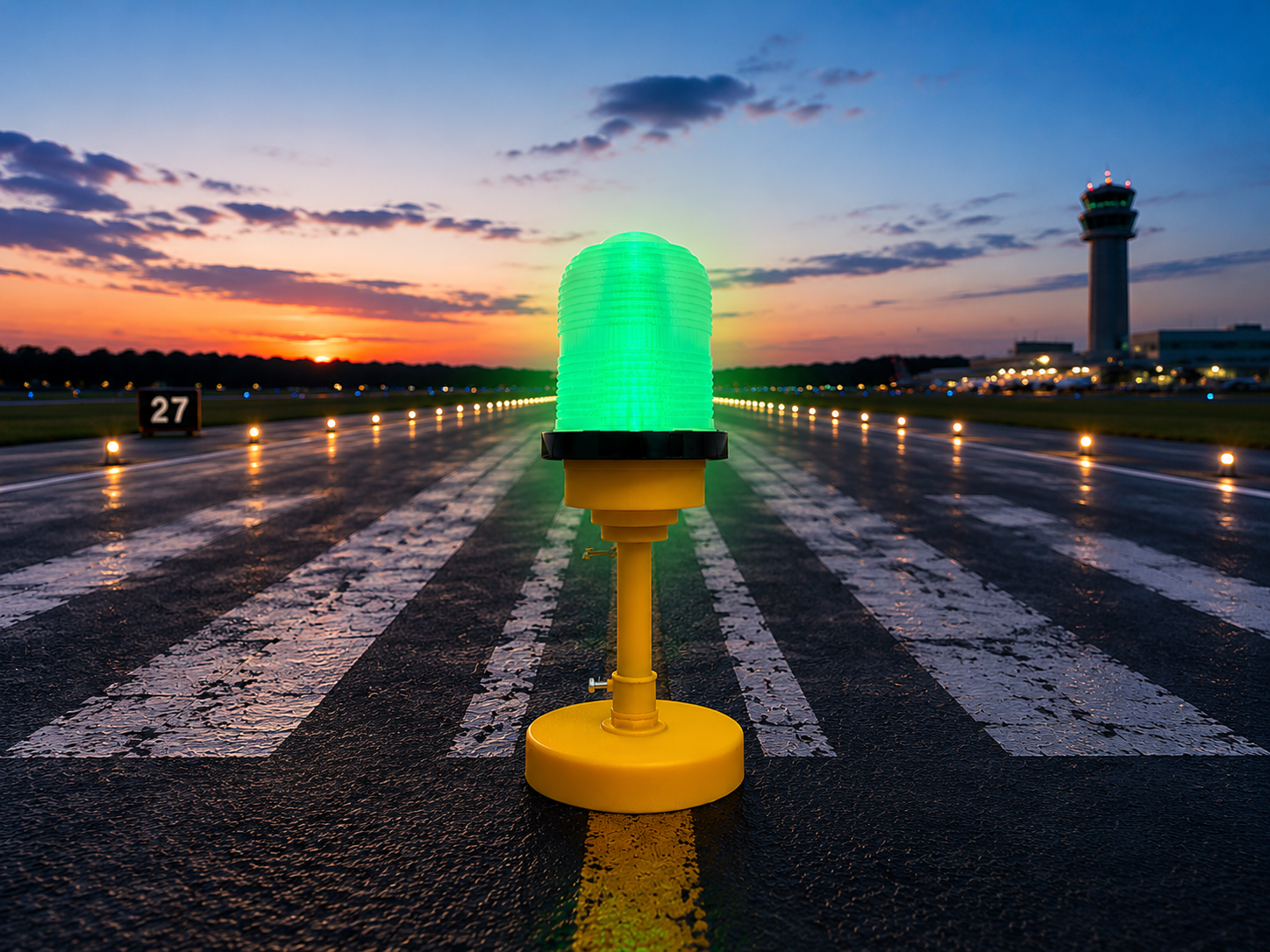
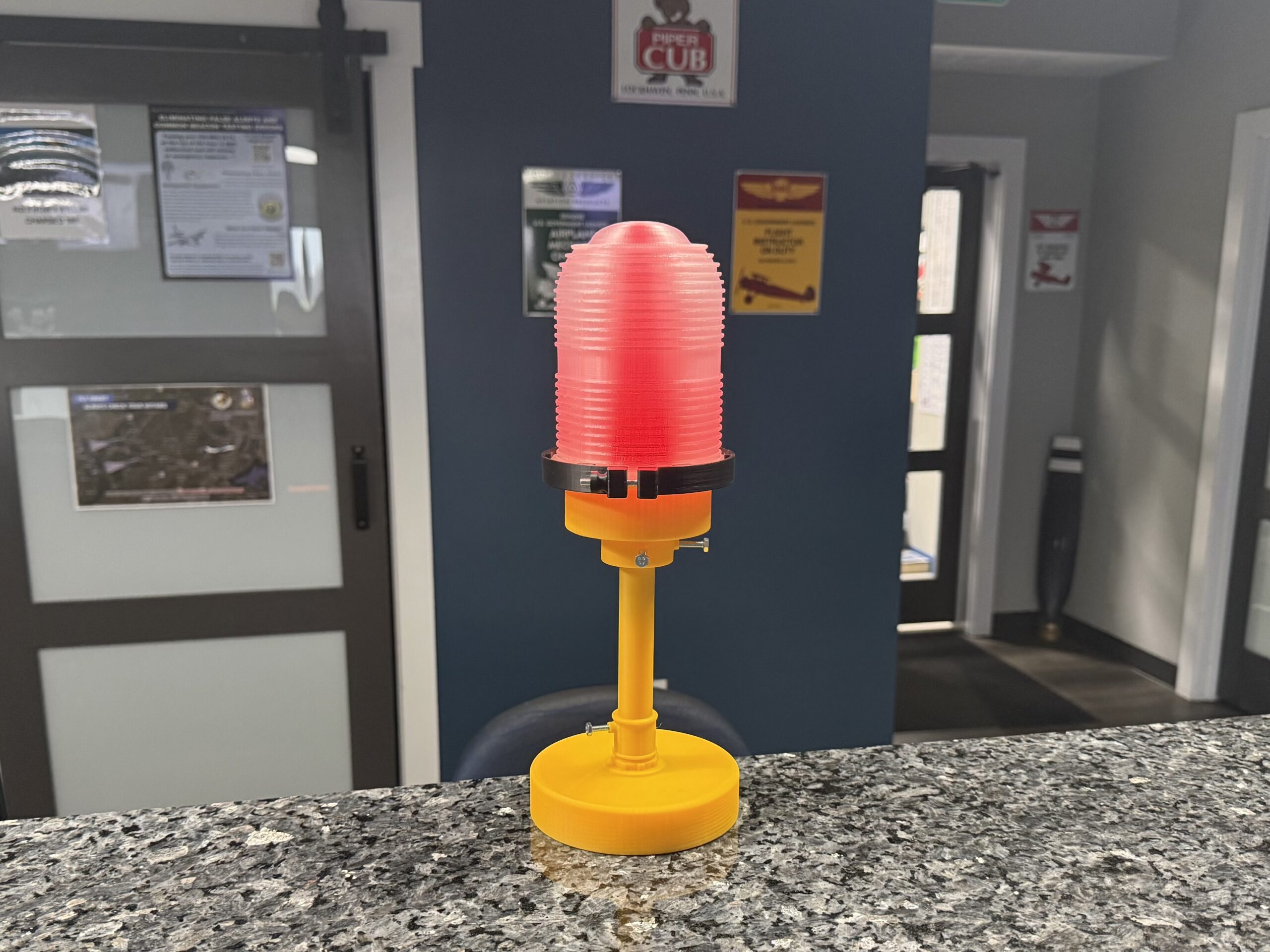
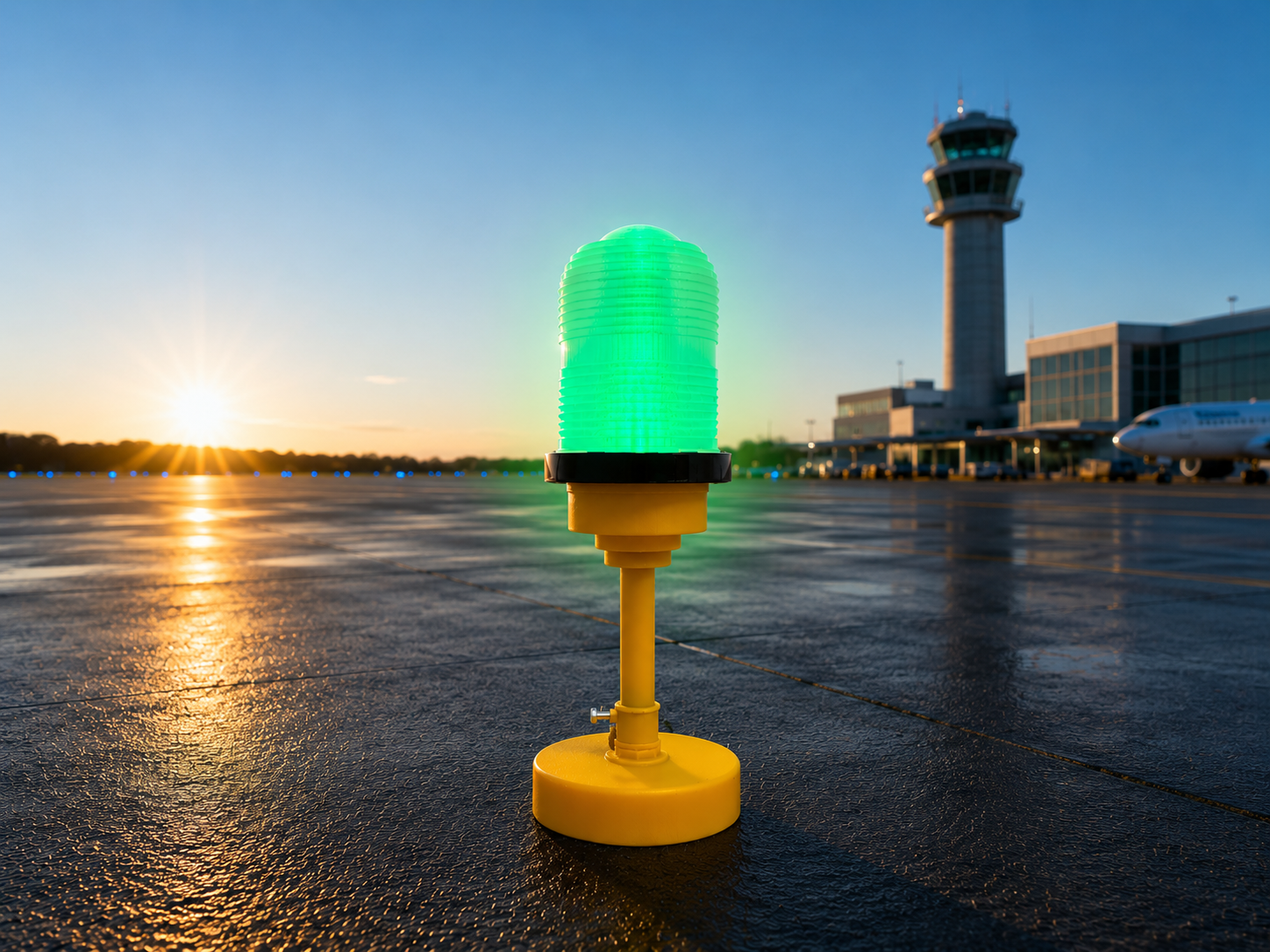
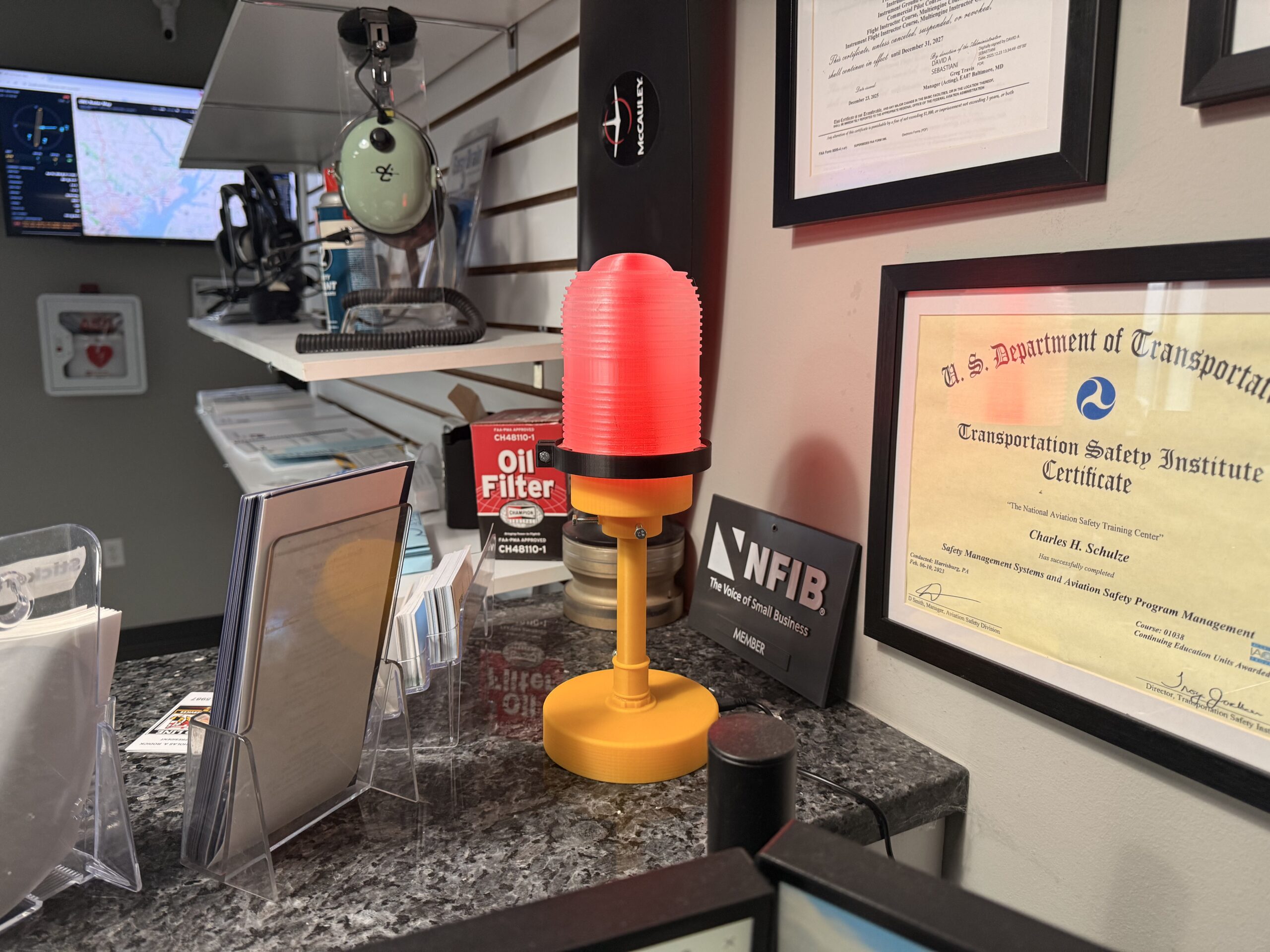
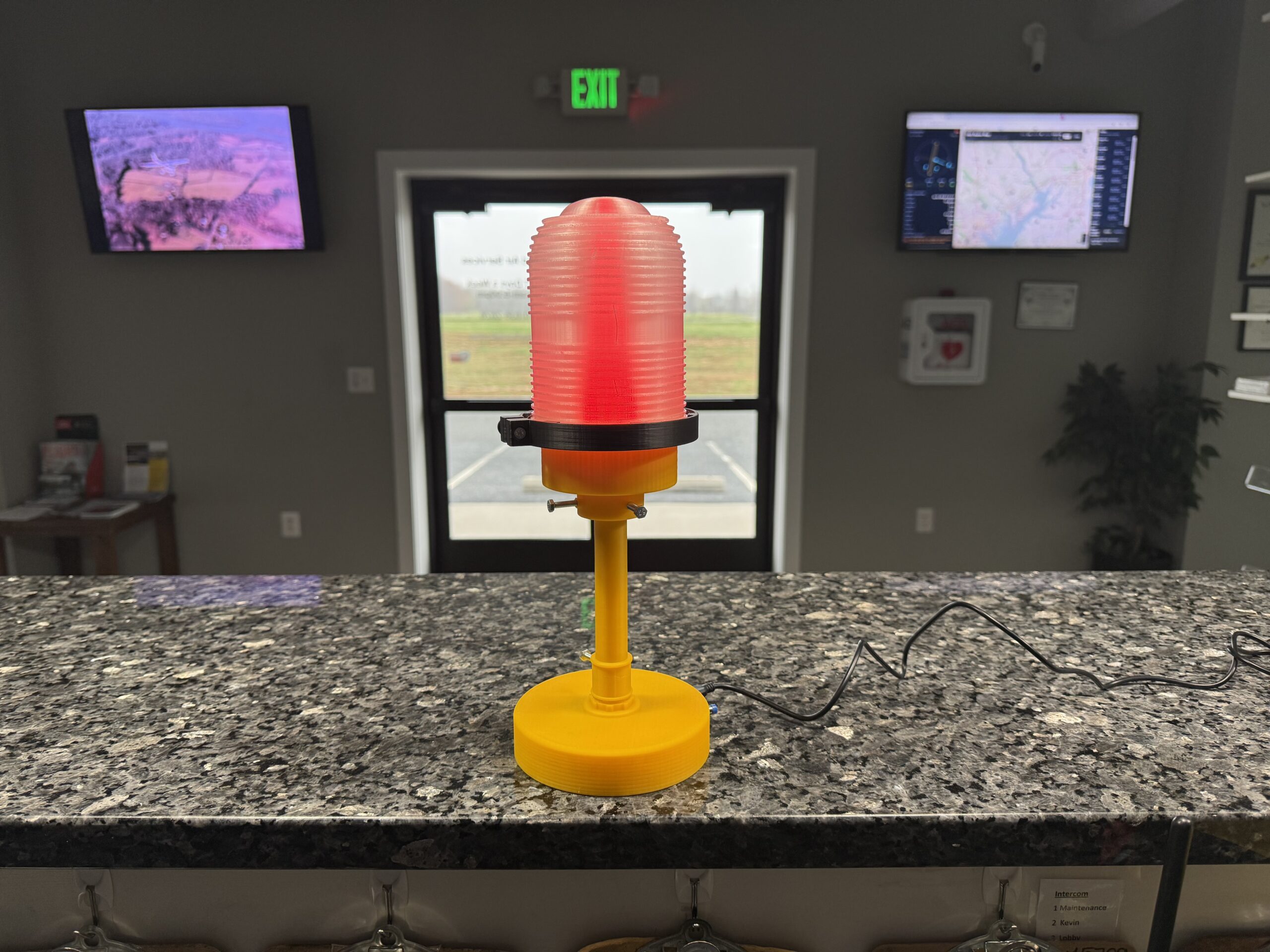
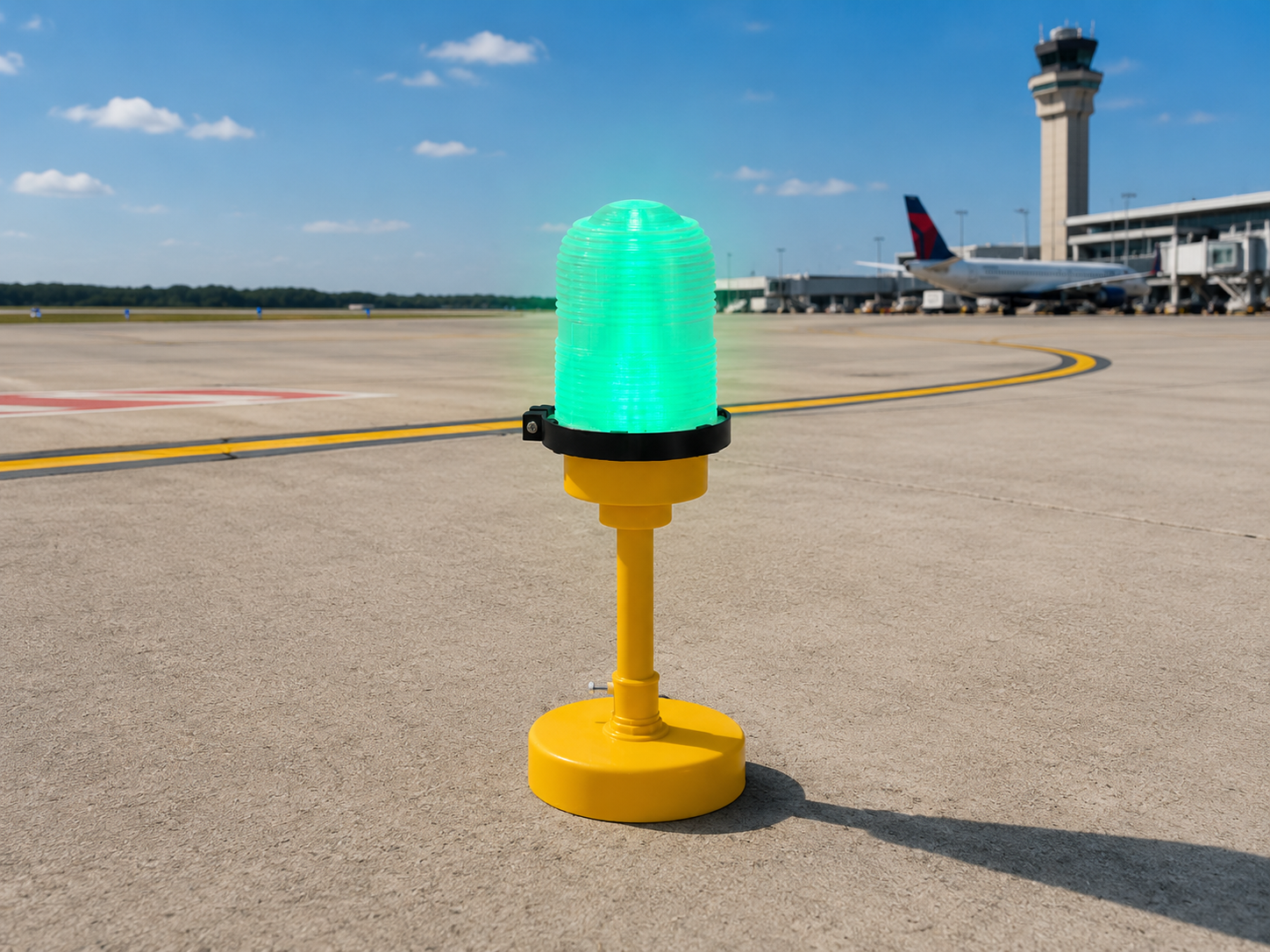
WiFi-connected METAR light that turns current airport weather into an easy-to-read desktop or hangar display.

SKU: aviation-metar-light Category: Tags: , ,

Highlights

  • WiFi-connected METAR display using AviationWeather.gov data
  • Built-in browser configuration portal with no app required
  • FAA-style LED color categories for VFR, MVFR, IFR, and LIFR
  • Hazard and gust indications for quick at-a-glance awareness

What's Included

  • 1 × Aviation METAR light
  • Integrated illuminated weather display
  • Quickstart and full setup documentation
  • WiFi-connected electronics setup
  • Use the notes field for airport-specific requests

Display & Portal Features

  • Home airport LED ring plus up to 3 secondary airport badges in the portal
  • Live decoded METAR summary with raw report history
  • Configurable brightness, refresh interval, and fallback search window
  • Auto-dim night mode and gust flash option

Important Notes

  • For situational awareness only, not for flight planning or navigation
  • Uses 2.4 GHz home WiFi during setup
  • Indoor display item
  • Minor layer lines are normal in 3D-printed parts

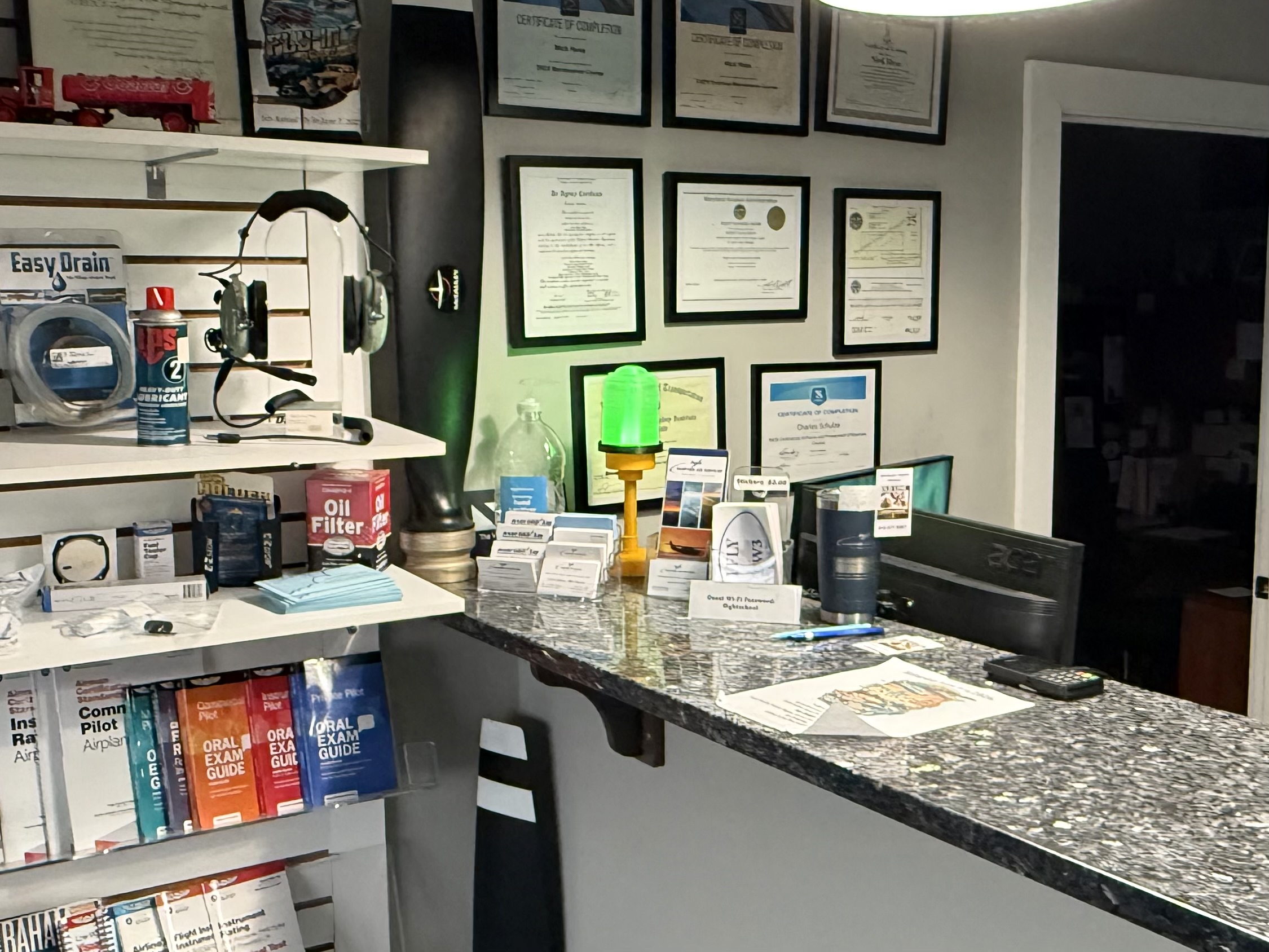
This METAR light works especially well for a home airport desk display, pilot office, hangar shelf, or gift setup. It gives a fast visual reference using LED weather categories while also acting as a strong aviation display piece.

Location
What To Check
Why It Matters
Desk or Office
Make sure you have a clean spot with nearby power and good visibility
Helps the light read clearly and makes it a stronger display piece
Hangar or Flight Room
Consider where it will be easiest to see during preflight planning or while relaxing
Good placement makes the METAR display both practical and decorative
1

Power on the light

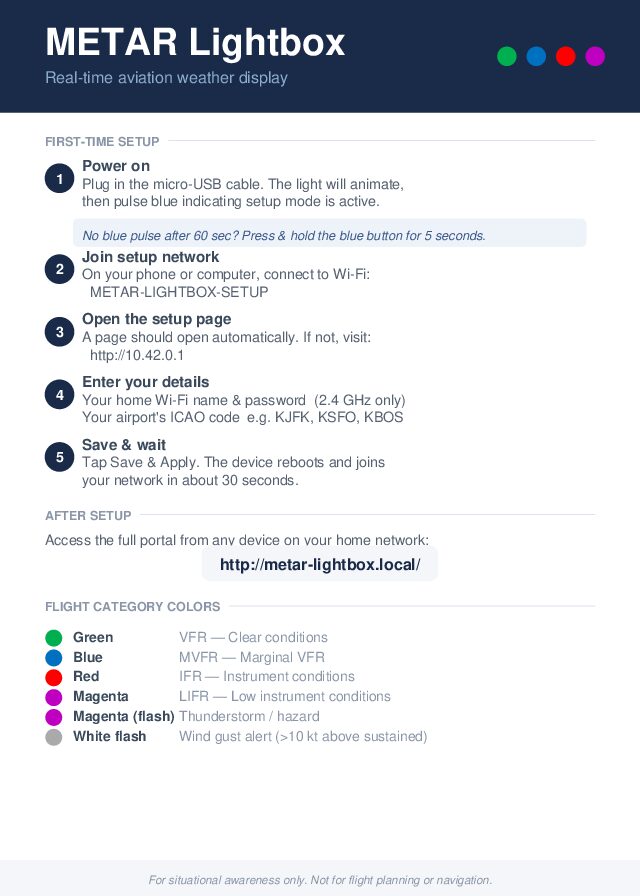
Plug in the USB-C cable (not included). The light will animate, then pulse blue to indicate setup mode is active. If no blue pulse appears after about 60 seconds, press and hold the blue button for 5 seconds.

2

Join the setup network

On your phone or computer, connect to the temporary WiFi network: METAR-LIGHTBOX-SETUP.

3

Open the setup page

If a browser tab does not open automatically, go to http://10.42.0.1, then enter your 2.4 GHz home WiFi name and password plus your airport ICAO code.

4

Save and wait for reboot

Tap Save & Apply. The device will reboot and join your home network in about 30 seconds. After setup, access the full portal from any device on your network at http://metar-lightbox.local/.

5

Use as a situational-awareness display

The LED ring shows green for VFR, blue for MVFR, red for IFR, and magenta for LIFR. Hazard conditions and wind gust alerts can also override with flashing indications. This device is for situational awareness only and not for flight planning or navigation.

Quick Reference Card

A single-page reference covering LED color categories, setup steps, and portal access. Print it or keep it handy during first-time setup.

Download Quick Reference Card

Customer Manual

Full documentation covering WiFi setup, portal configuration, LED behavior, troubleshooting, and advanced options.

Download Customer Manual